

Saved Queries
Save, organize, and share SQL queries across your team.
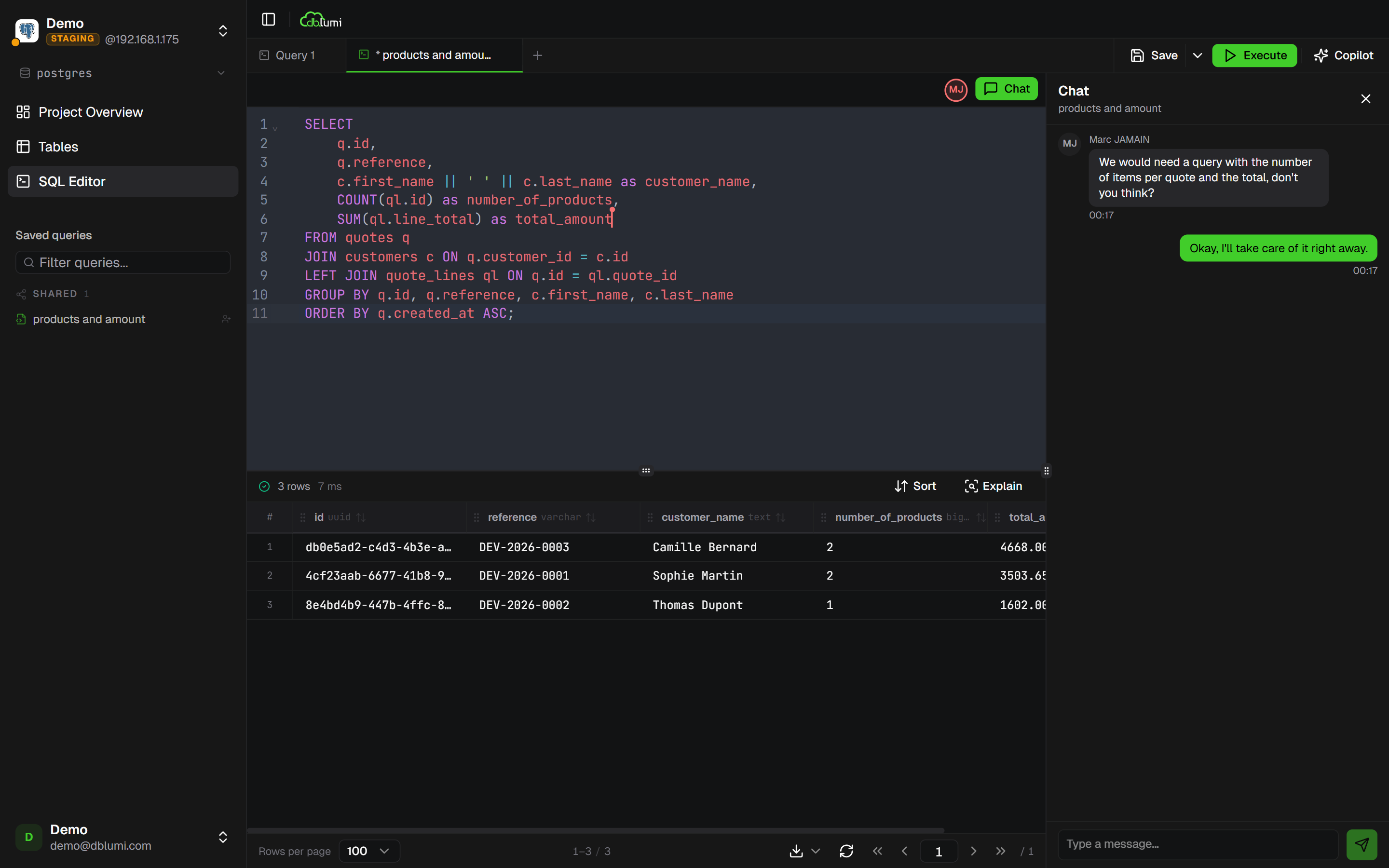
Saving a query
Section titled “Saving a query”In the SQL editor, click Save (or Ctrl+S). Give your query a name and optionally assign it to a folder.
Folders
Section titled “Folders”Organize queries in nested folders. Drag and drop to reorder within a folder.
Pinning
Section titled “Pinning”Pin frequently used queries from the Overview page. Pinned queries appear at the top of your quick access list.
Sharing
Section titled “Sharing”Queries can be shared with:
- Specific users — they see the query in their saved list
- Groups — all group members get access
Shared queries are read-only for recipients unless you grant edit access.
Version history & timeline
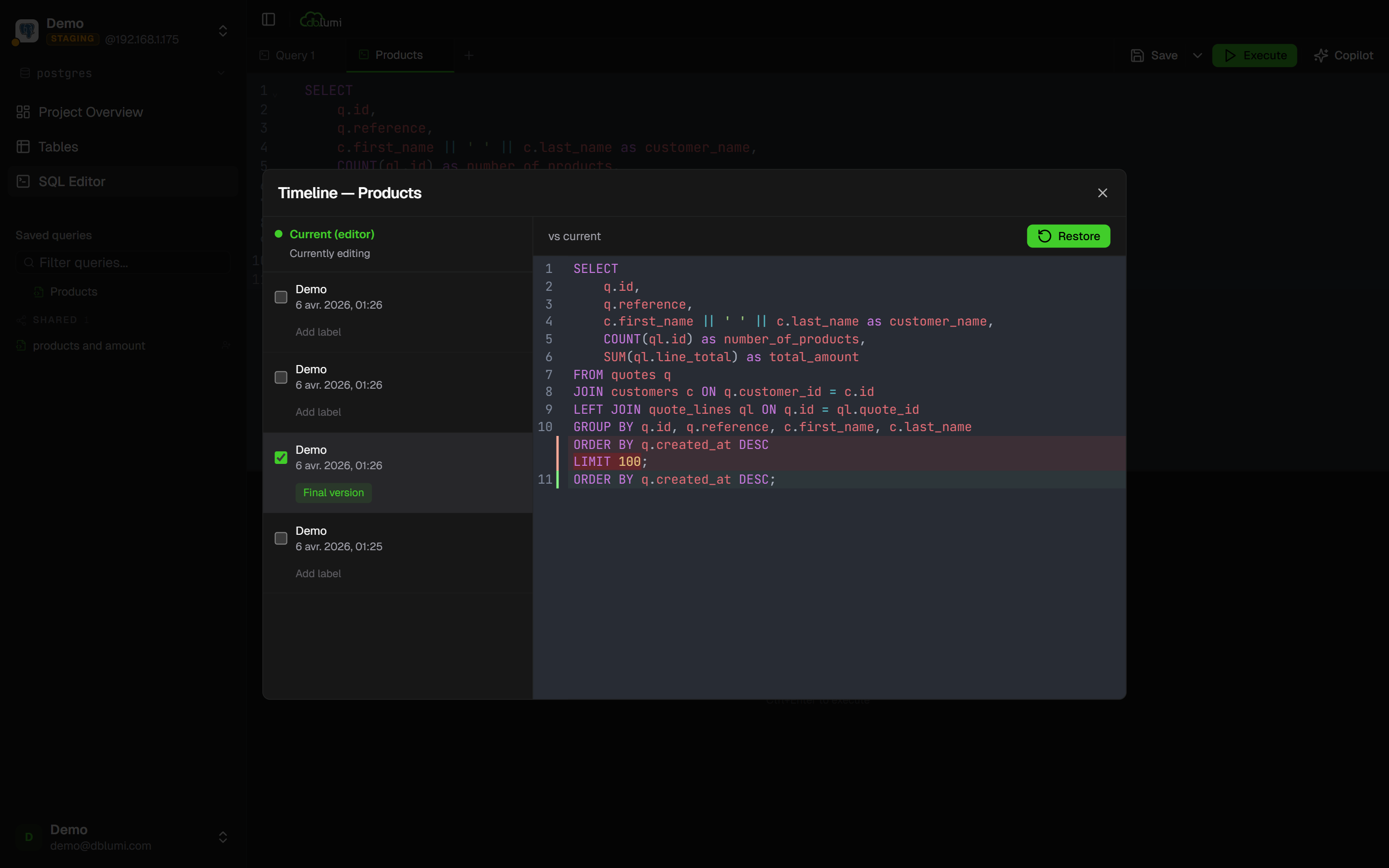
Section titled “Version history & timeline”Every time a saved query is modified, a new version is automatically created. Open the Timeline from the context menu on any saved query to:
- Browse the complete version history with timestamps and author names
- Compare any two versions side by side with a unified diff view
- Restore a previous version in one click — the SQL is loaded back into your editor
- Label important versions to mark milestones (e.g. “v2 — added joins”, “before refactor”)
Filtering by connection
Section titled “Filtering by connection”Queries can be tied to a specific connection, or left global (visible across all connections).