

Slack, calendars and synced tables
A base’s Integrations screen opens from the profile menu, at the bottom left. It requires the Manage level and gathers what connects the base to the rest of your tools.
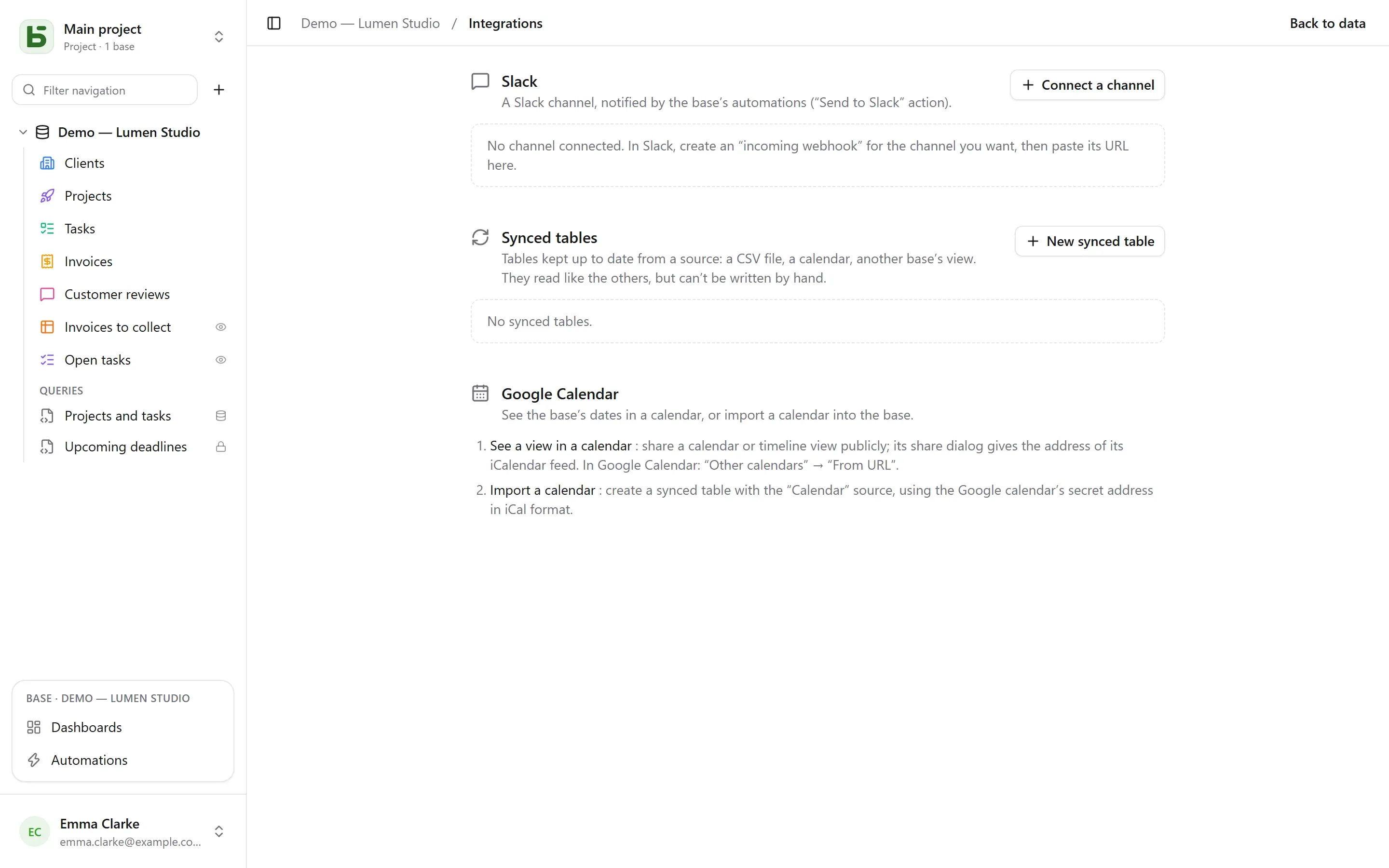
Connect channel: in Slack, create an incoming webhook for the channel you want, then
paste its address (https://hooks.slack.com/…, the only origin accepted). Test sends a
test message. The address is encrypted as soon as it is saved and is never shown again.
The connected channel then becomes an action in automations: Send to Slack, with a message that cites the row — “New negative review from {{Auteur}}: {{Avis}}”.
Calendars
Section titled “Calendars”Two directions, two means:
- See a view in a calendar app: share a calendar or timeline view publicly; its sharing dialog gives the address of an iCalendar feed, which you subscribe to from Google Calendar (“Other calendars” → “From URL”), Outlook or Apple Calendar. See Shared views.
- Import a calendar: create a synced table with the “Calendar” source and the calendar’s secret iCal address.
Synced tables
Section titled “Synced tables”A synced table is kept up to date from a source: it can be read, filtered and shown in
views like the others, but it is not written by hand — a “Synced” badge is a reminder, and the
API refuses any write (TABLE_SYNCED).
| Source | What the table becomes |
|---|---|
| Online CSV file | one column per column of the file, typed from its content: number, date or text |
| Calendar (Google Calendar, iCalendar) | one event per row: title, start, end, location, description |
| Shared view from a basedb | the rows of a shared view, on this instance or another |
New synced table chooses the source and the interval — from every 15 minutes to once a day; Sync reads it again right away. Each pass creates, updates and deletes whatever is needed for the table to match the source, relying on a Sync key field. All these writes go through the history.
Stop the sync and the table becomes an ordinary one: its rows stay, and can be written by hand again.
Limits
Section titled “Limits”- A source is read within a limit of 5 MB, 10,000 rows and 10 seconds.
- A failing source erases nothing: the table keeps its rows until the next pass.
- A column that appears in the source after creation is not added.
- Slack connects through an incoming webhook, not yet through a Slack app.
basedb is open-source software by Eodia, an AI-native software studio.